Vdraw's AI Flowchart Generator
Generates unique hand-drawn style flowcharts from text, blog posts, or video content.
Are you the owner?
Claim this tool to publish updates, news and respond to users.
Sign in to claim ownership
Sign InDescription
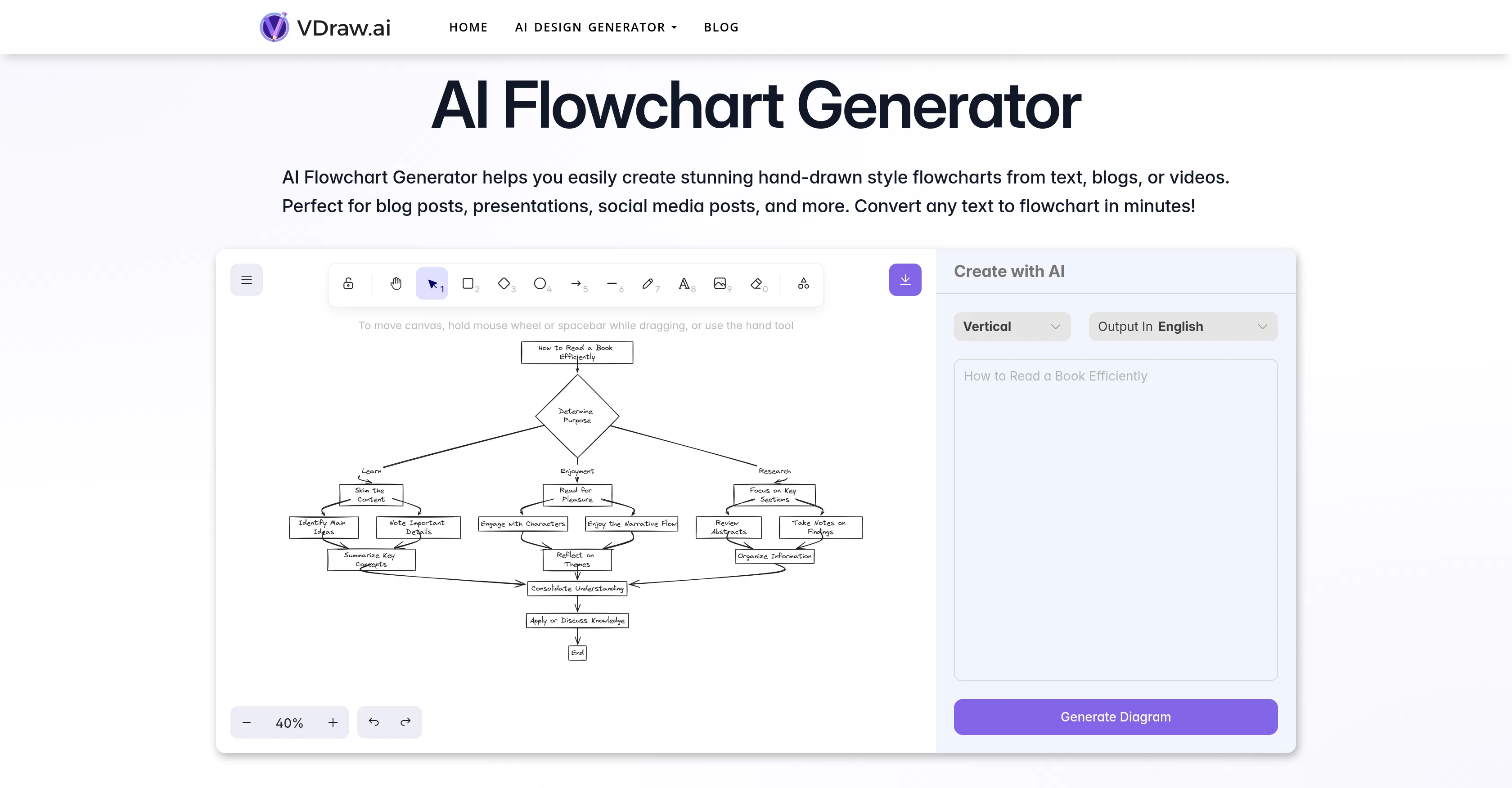
Vdraw's AI Flowchart Generator is a specialized tool that transforms textual or video-based information into distinctive, hand-drawn style flowcharts, providing a quick and efficient way to visualize complex processes and ideas. It is designed to help users convert dense content from blogs, presentations, or social media into clear, engaging diagrams that enhance comprehension and communication. The primary value lies in its ability to automate the diagram creation process, saving significant time and effort while producing visually appealing results that stand out from standard, automated charts.
Key features include the ability to process and summarize lengthy text inputs or video transcripts to extract key points for visualization. The generator supports the creation of flowcharts with a custom, sketch-like aesthetic that mimics human drawing, offering various styling options for nodes and connectors. Users can edit and refine the generated diagrams directly within the tool, adjusting layout, colors, and text. It also allows for the export of finished flowcharts in multiple formats suitable for digital presentations, reports, or print materials, facilitating seamless integration into various workflows.
What sets this tool apart is its focus on producing 'hand-drawn' style visuals, which adds a personal, creative touch often missing from purely algorithmic diagram software. Technically, it leverages AI to parse natural language, identify logical sequences and relationships, and map them into coherent flowchart structures. The platform is web-based, requiring no software installation, and is optimized for ease of use with an intuitive interface. While it operates as a standalone web application, its output is designed to be easily incorporated into other tools and platforms used for content creation and project management.
Ideal for content creators, educators, marketers, and project managers who need to quickly distill and present information visually. Specific use cases include transforming a technical blog post into an easy-to-follow process diagram for readers, creating engaging presentation slides from meeting notes, visualizing social media campaign strategies, or summarizing educational video content into study aids for students. It is particularly valuable for professionals seeking to enhance their materials with unique, non-standard graphics that capture attention and improve information retention.